Mistä voin ostaa
Tarvitsetko apua? Koulutetut edustajamme auttavat mielellään, sekä pienissä että isoissa kysymyksissä.
Löydä lähin edustajasi
BlueSolar MPPTs VE.Direct: v1.17 firmware available
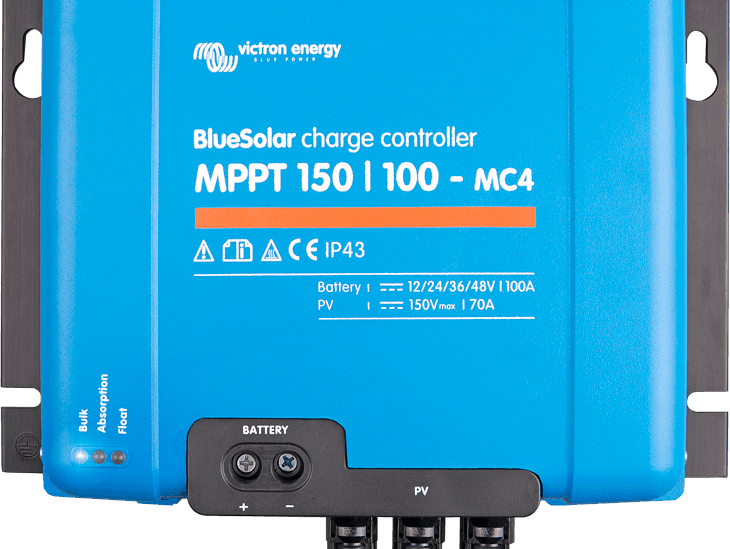
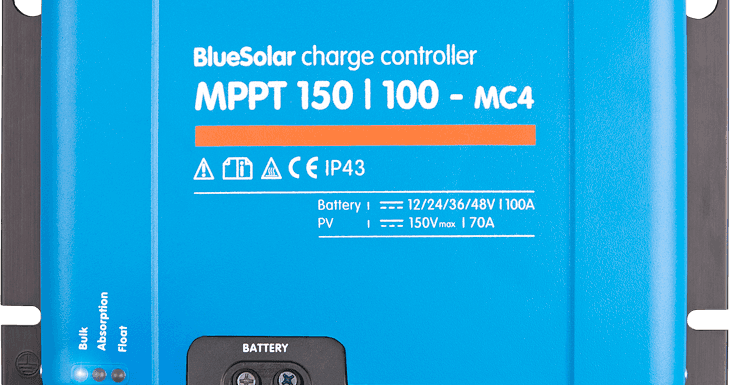
A new firmware version! Bringing new features and also one, small, bug fix, related to an LED indication. And have you seen the latest addition to our MPPT BlueSolar charge controller range, the 150V/100A model, nearly 6kW (!) of charging power?
Pay-As-You-Go (PAYG) firms sell solar and/or backup power kits. Paid for by their customers by small monthly installments instead of a the usual lump-sum payment. PAYG firms often use technology that locks the functionality in the event of non-payment by the consumer. A great deal for the end-user: less risk, and less money to invest, while keeping risks for the provider within limits.
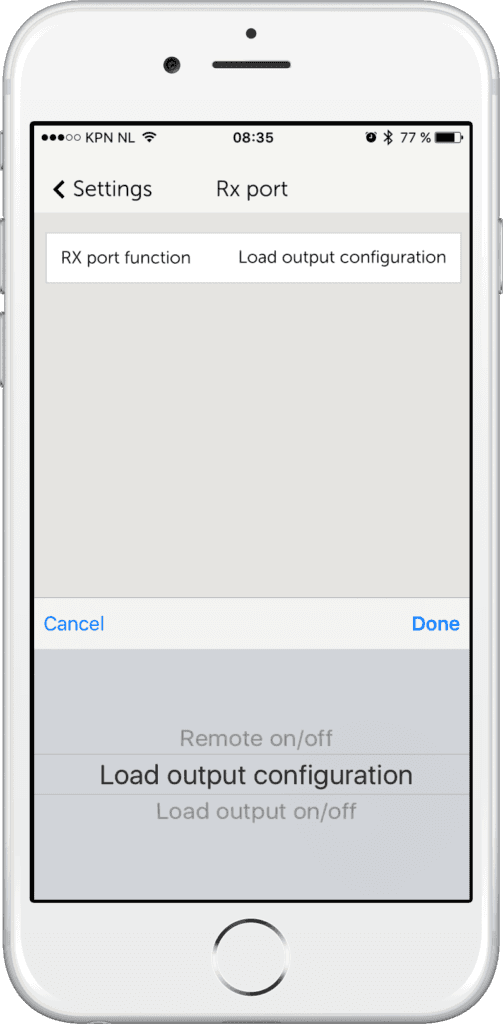
In v1.17 we have added very simple method of disabling the load output. In a normal installation, the MPPT will power the loads as long as the battery has sufficiently stored energy. And it will shut them down in case of an endured shortage of PV power; protecting the battery against damage. With the new setting enabled, the MPPT will only enable the load output when both the battery has sufficient stored energy and the external control device permits the user to power their loads.
With its 30 day feature, combined with VictronConnect, our solar chargers already offer a wealth of historical information. Besides the 30-day historical data, there is also an overall record. This overall record contains highest recorded battery voltage, highest record PV voltage and more. In v1.17 these recordings have been improved by increasing the averaging function. They are now less sensitive to very short peaks. Also there is one new parameter added to the list: the minimum battery voltage. See below for a list of all available parameters.
Only our smallest MPPT solar chargers, up to 15A charge current, have a load output. They can disable that output when necessary, to protect the battery against over-discharge for example. Also it uses our BatteryLife feature, which makes sure that a battery is cycled at its top end, instead of the bottom part of the SOC scale thereby increasing battery lifetime.
v1.17 adds these same features to our large models. Connecting an external relay or switch between the battery and the load. And let the MPPT control that relay by connecting it the the VE.Direct port.
It has been mentioned before, but it can’t be mentioned enough 🙂 ! Use VictronConnect to configure and use all the features of our MPPT Charge Controllers. VictronConnect runs on smartphones, Android and iOS, but also on Windows and MAC PCs. See the manual for detailed information.
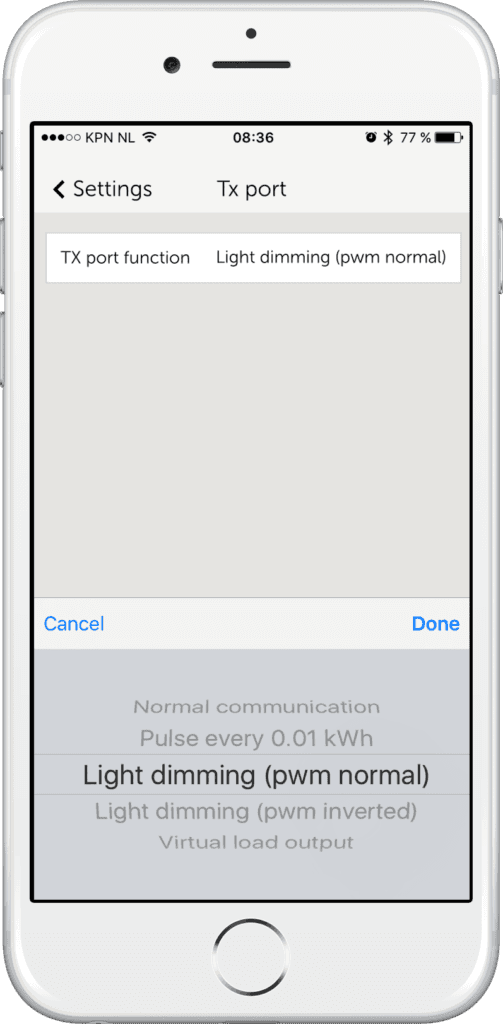
A screenshot showing the added Virtual Load output option for the Tx port:
Screenshot showing the new option to let the Load output be disabled by a remote control device. For example the Lumeter PAYG solution:
In case you are in a hurry to update it, download the files from the Victron Professional portal, and then install them with VictronConnect. See this blog post for more information about installing a specific firmware file with VictronConnect.
Or wait a few weeks as we’ll soon add this new firmware version into the default VictronConnect auto-install function: it will then automatically update your MPPT as soon as you connect to it. No need to download or otherwise take any manual action.
Note that this feature is only useful for hardware revision 2 units: earlier units will completely switch off during the night.
With all that said, please put any questions/remarks or suggestions in the comments below. And I wish you a good weekend!
Matthijs Vader
Tarvitsetko apua? Koulutetut edustajamme auttavat mielellään, sekä pienissä että isoissa kysymyksissä.
Löydä lähin edustajasi
Tarkasta tukitietokantamme tai ota yhteyttä edustajaasi opastus-, korjaus- tai takuuasioissa.
Tuki
Lue lisää alan johtavasta 5 vuoden vakiotakuustamme ja maailmanlaajuisesta korjauspalvelustamme.
Takuu


©Victron Energy 2026